Dentists new to dental CAD
Understand how digital records become models, crowns and other restorative designs.
Search courses, instructors, specialties and techniques.
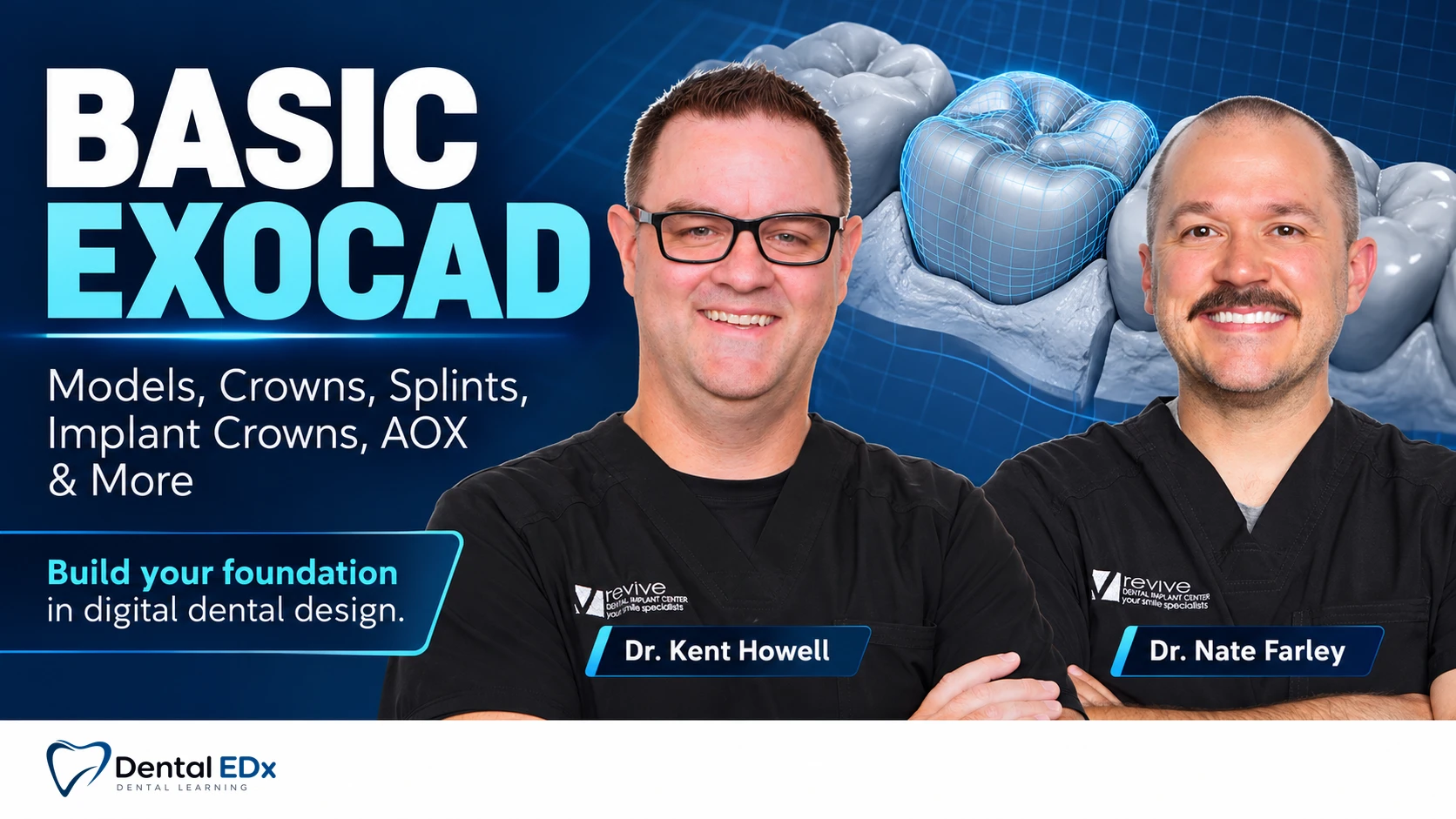
Build a practical EXOCAD foundation from models and crowns to implant and full-arch designs.
With Dr. Kent Howell and Dr. Nate Farley
Course information
A step-by-step introduction to EXOCAD for dentists and technicians who want a clearer design workflow.
The course progresses through model creation, wax-ups, splints, crowns, bridges, implant restorations, dentures and full-arch design.
Who this course is for
For dentists and dental technicians beginning with EXOCAD or consolidating their core software skills before moving into more advanced full-arch work.
Understand how digital records become models, crowns and other restorative designs.
Follow foundational exercises across tooth-borne and implant-supported restorations.
Build familiarity with common design workflows and the relationship between scanning, planning and CAD.
Design foundations
Begin with models and wax-ups before progressing to splints, crowns, bridges and implant restorations.
The lesson sequence introduces different EXOCAD applications through design exercises. Later sessions extend those foundations to dentures and full-arch FP1 and FP3 designs.
A clear foundation makes each new design workflow easier to follow.
What you’ll learn
Create working models for restorative and implant cases.
Design wax-ups, splints, crowns and bridges.
Build implant crowns and implant-supported bridges.
Introduce denture, FP1 and FP3 design workflows.
Software progression
Each design exercise builds toward more complex restorative and full-arch applications.
Course curriculum
Review the complete lesson list and available runtimes.
Your faculty
Dr. Kent Howell and Dr. Nate Farley bring a practice-and-laboratory perspective to dental design.
Prosthodontist · Digital dentistry educator
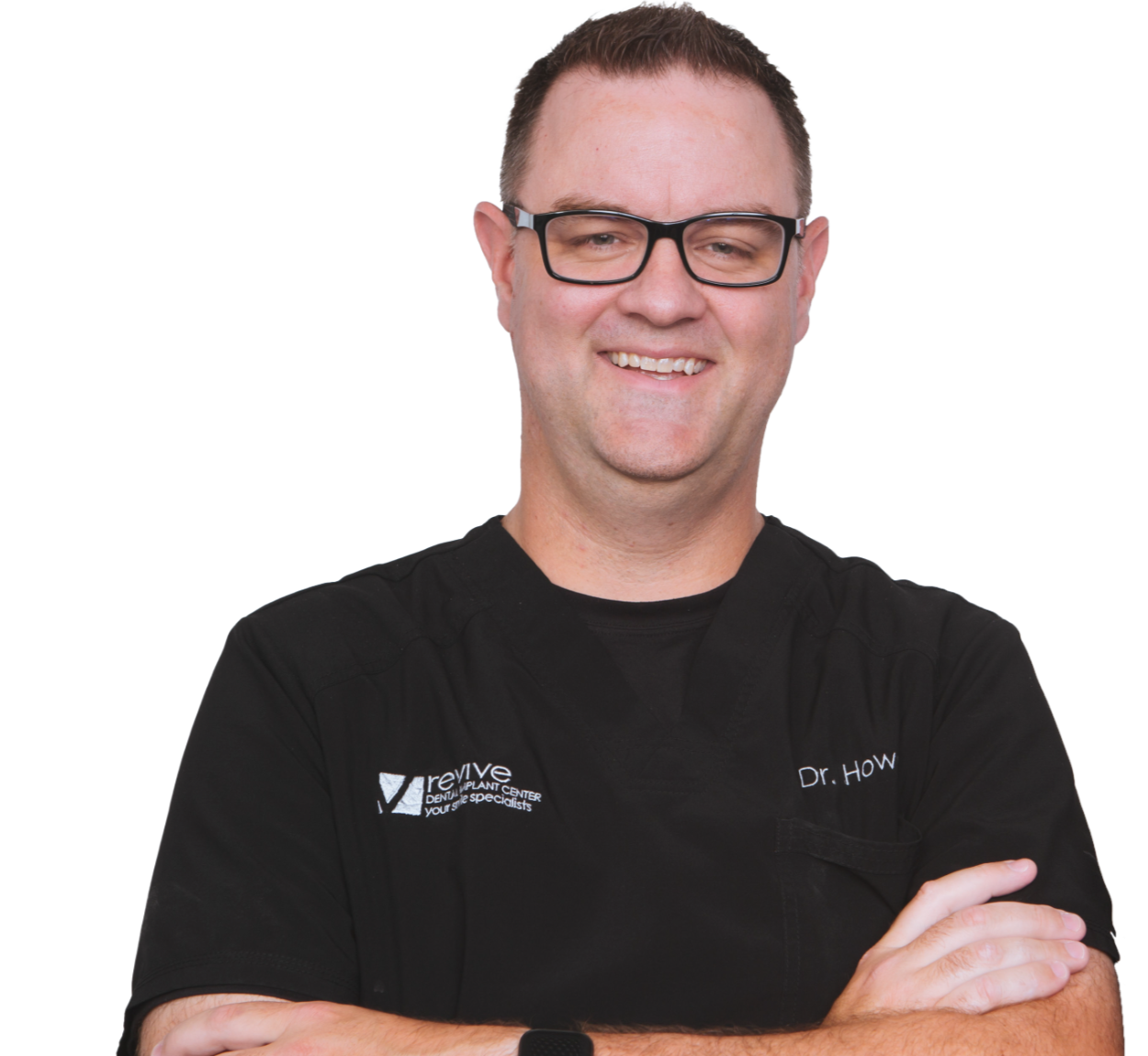
Dr. Howell completed his prosthodontic specialty training at The Ohio State University. His practice and laboratory work focus on full-arch restoration and digital workflows, informing his approach to teaching dental CAD.
Prosthodontist · Digital dentistry educator
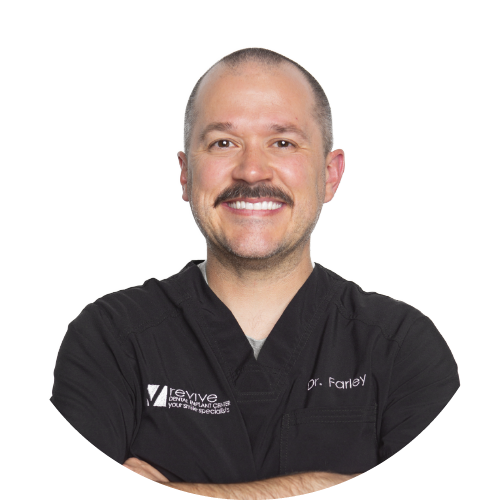
Dr. Farley and Dr. Howell trained together in prosthodontics at The Ohio State University and co-founded DigitalDDS. His teaching connects digital records and CAD design with restorative practice.
Your learning experience
Use the recorded lessons to review the tools and decisions behind common dental CAD tasks.
Review model creation, wax-ups and tooth-borne designs before tackling implant and full-arch applications.
Return to the relevant design example at your own pace. The course is delivered online, not as an in-person workshop.
EXOCAD software and compatible modules are separate from course access; check your setup if you plan to practise alongside the lessons.
Frequently asked
Need help choosing the right course? Contact support@dentaledx.com.
After payment, you receive access to your membership area and purchased course. Use the email address provided during checkout. If you have any access issue, contact support@dentaledx.com.
Yes. Course videos and included learning materials can be downloaded for offline review.
No. Your purchase includes lifetime access, so you can learn at your own pace and revisit the course.
Major cards and PayPal are accepted. Apple Pay, Google Pay, Klarna, Afterpay and other local methods may appear depending on your country.
Yes. A certificate of completion is provided after you complete the course requirements.
DentalEDX uses a digital-first learning model that reduces traditional education and distribution costs, making clinical education more accessible worldwide.
Yes. Courses can be accessed on desktop, laptop, tablet or mobile phone.
A purchase confirmation and receipt are sent to the email used at checkout. Contact support@dentaledx.com if you need additional invoice information.
You can request a refund within 48 hours of purchase or a course replacement within 7 days of purchase. Email support@dentaledx.com with your order details. These are request windows, not processing times. See our Refund Policy in the footer.
Courses include multilingual subtitle support. If you need a language that is not available, contact support@dentaledx.com.
Choose “Forgot password?” on the login page and follow the email instructions. If you still need help, contact support@dentaledx.com.
Ready when you are
Follow the course at your pace with lifetime access.